


 0:43
0:43Recommended first topic
Find a group session and join
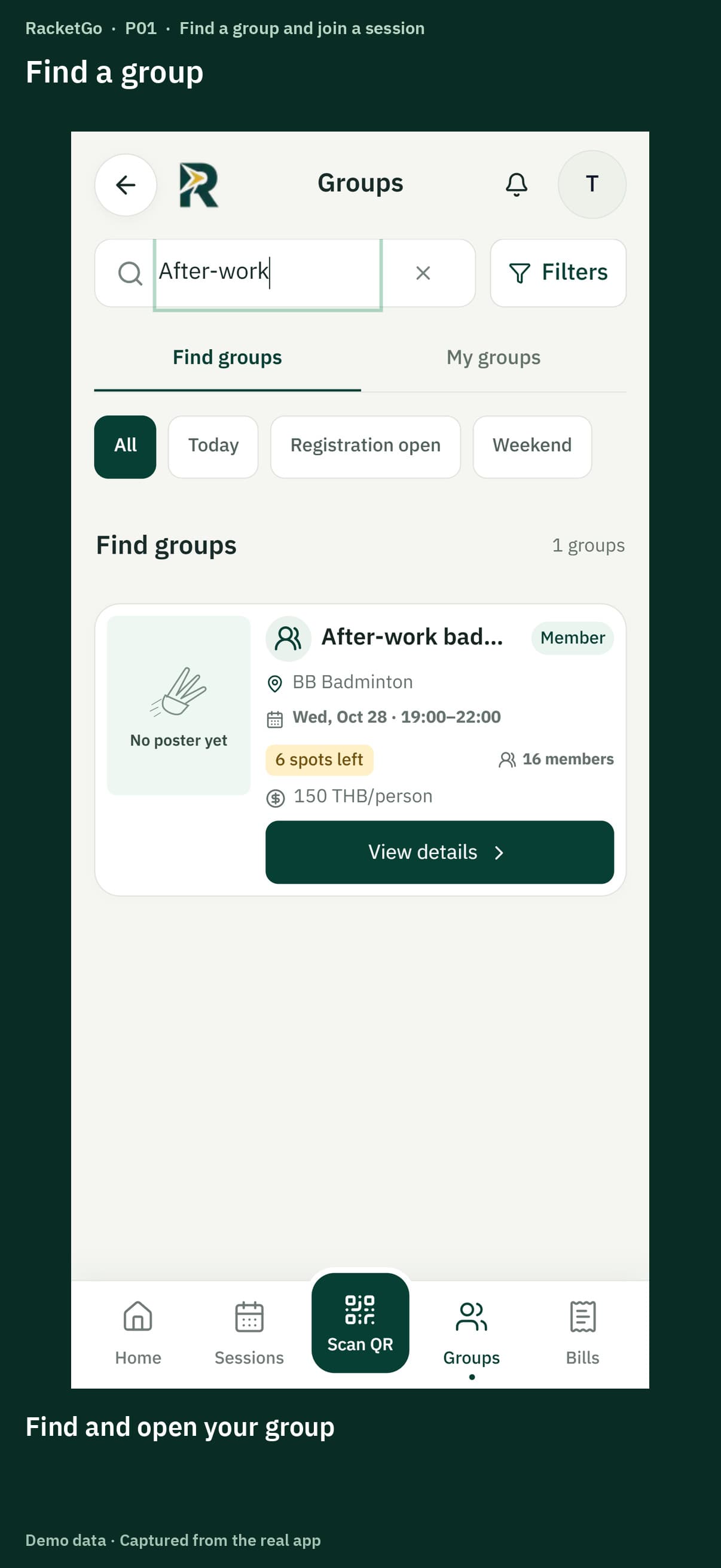
Check the time, venue and fee, then book and check your name on the player list.
Opens the video at this topic.Watch this topicChoose what you want to do to see recommended topics, or browse all guides below.
Browse all guidesRecommended topics for you
Start at step one if you are new, or jump to the step you need.
Join a group session, check your queue and submit payment proof · 4 topics
0:43Check the time, venue and fee, then book and check your name on the player list.
Opens the video at this topic.Watch this topicWatch a full video or choose a chapter within it.
 0:43
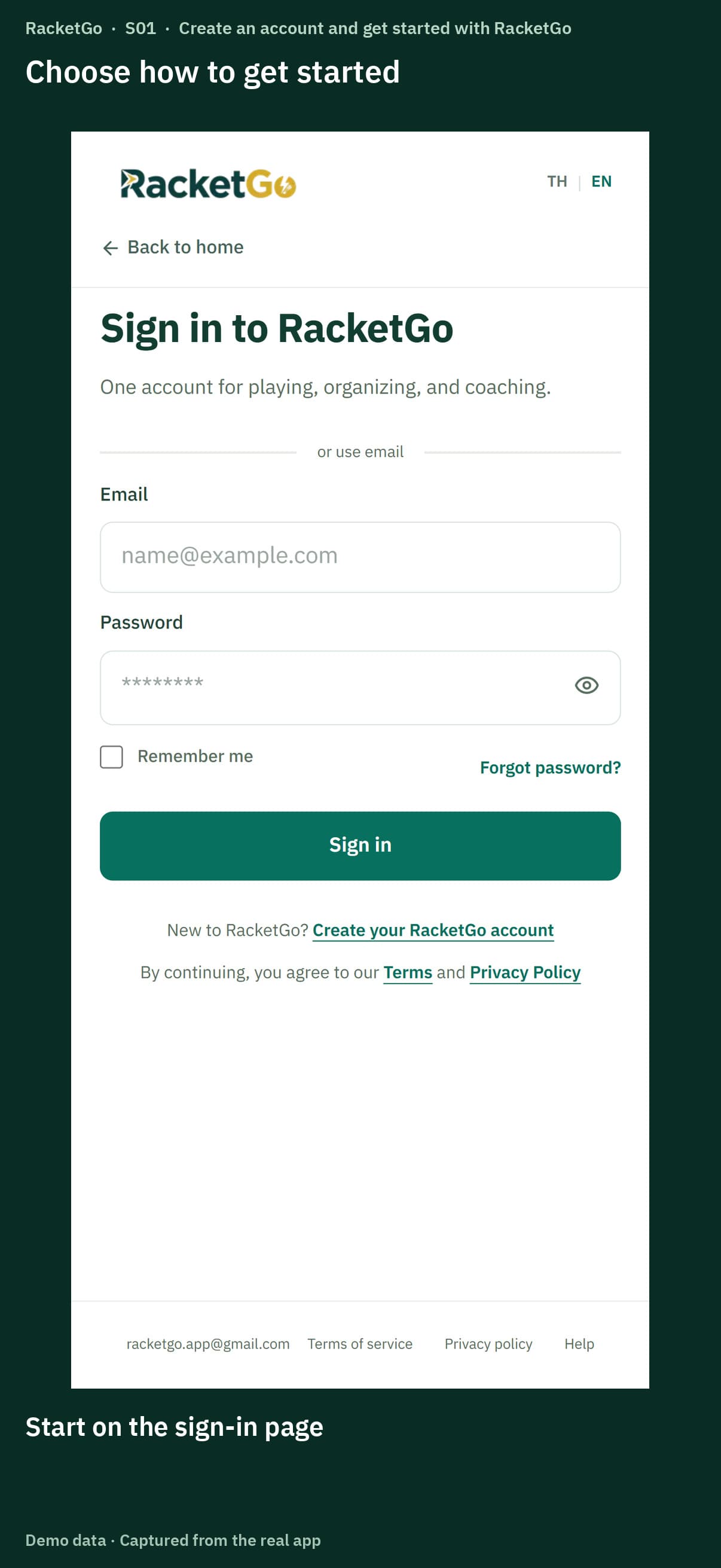
0:43Create and verify your account, then use player, organizer or coach tools with one sign-in.
0:43Find a group session, check the venue and fee, and confirm your place.
 0:43
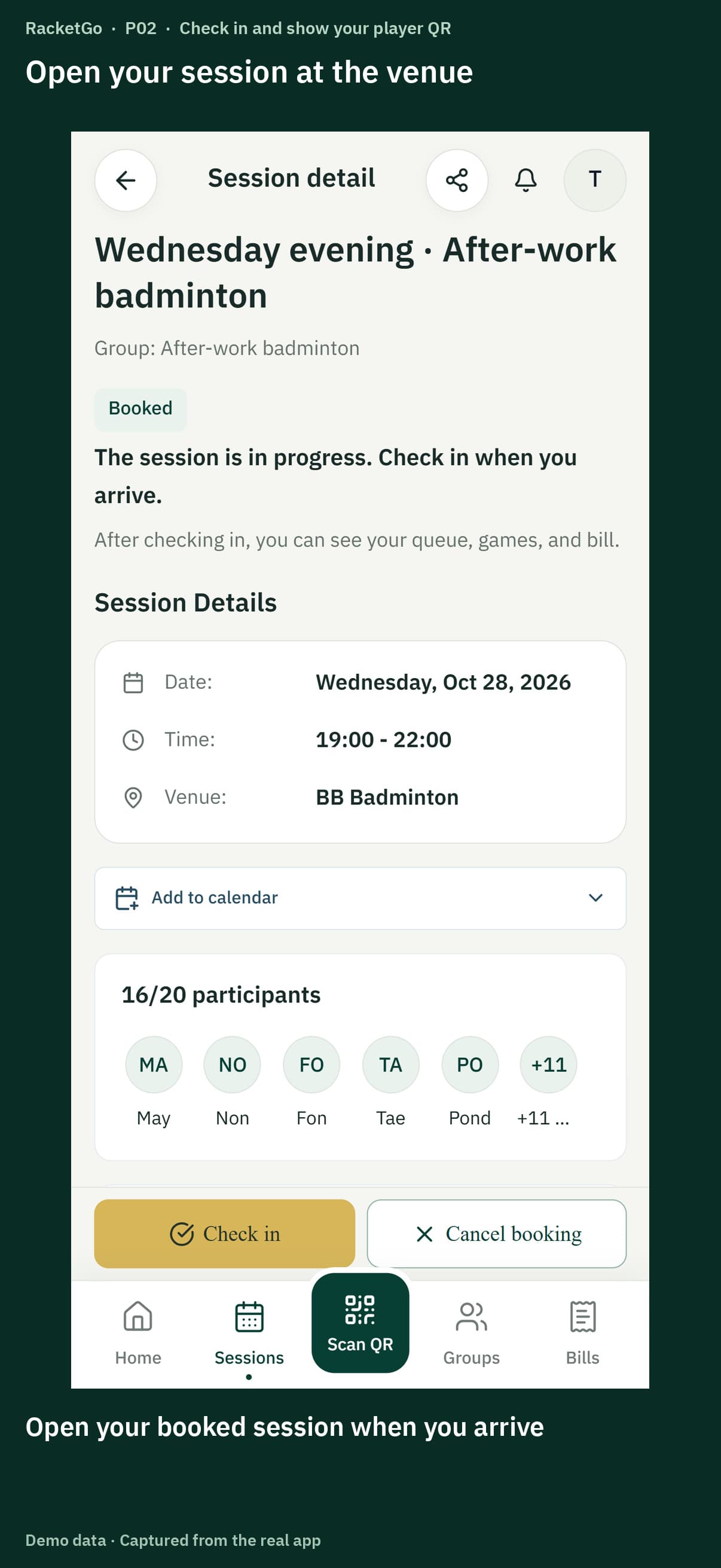
0:43Check in or show your QR code to the organizer, then confirm your status.
 0:43
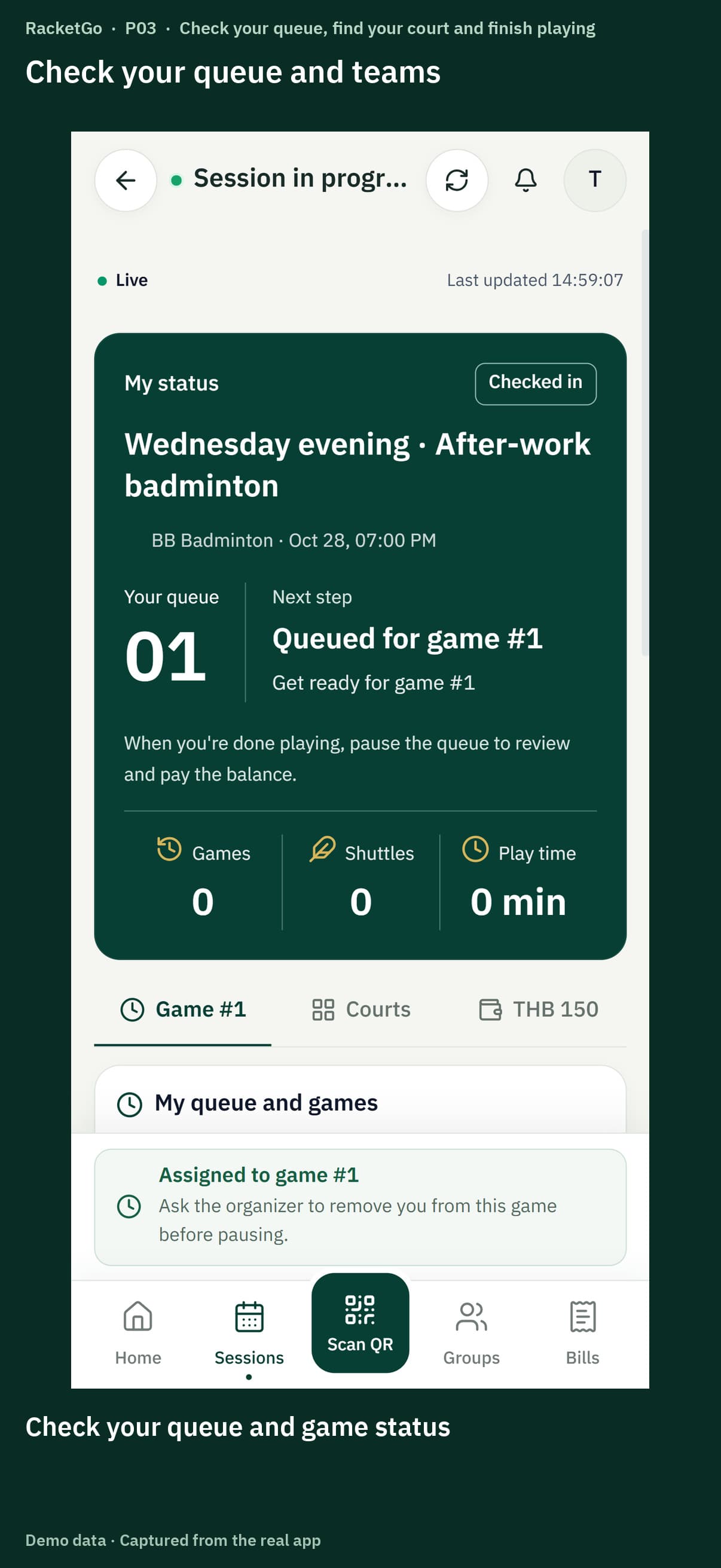
0:43Check your team and court, pause between games and check out when you finish.
 0:45
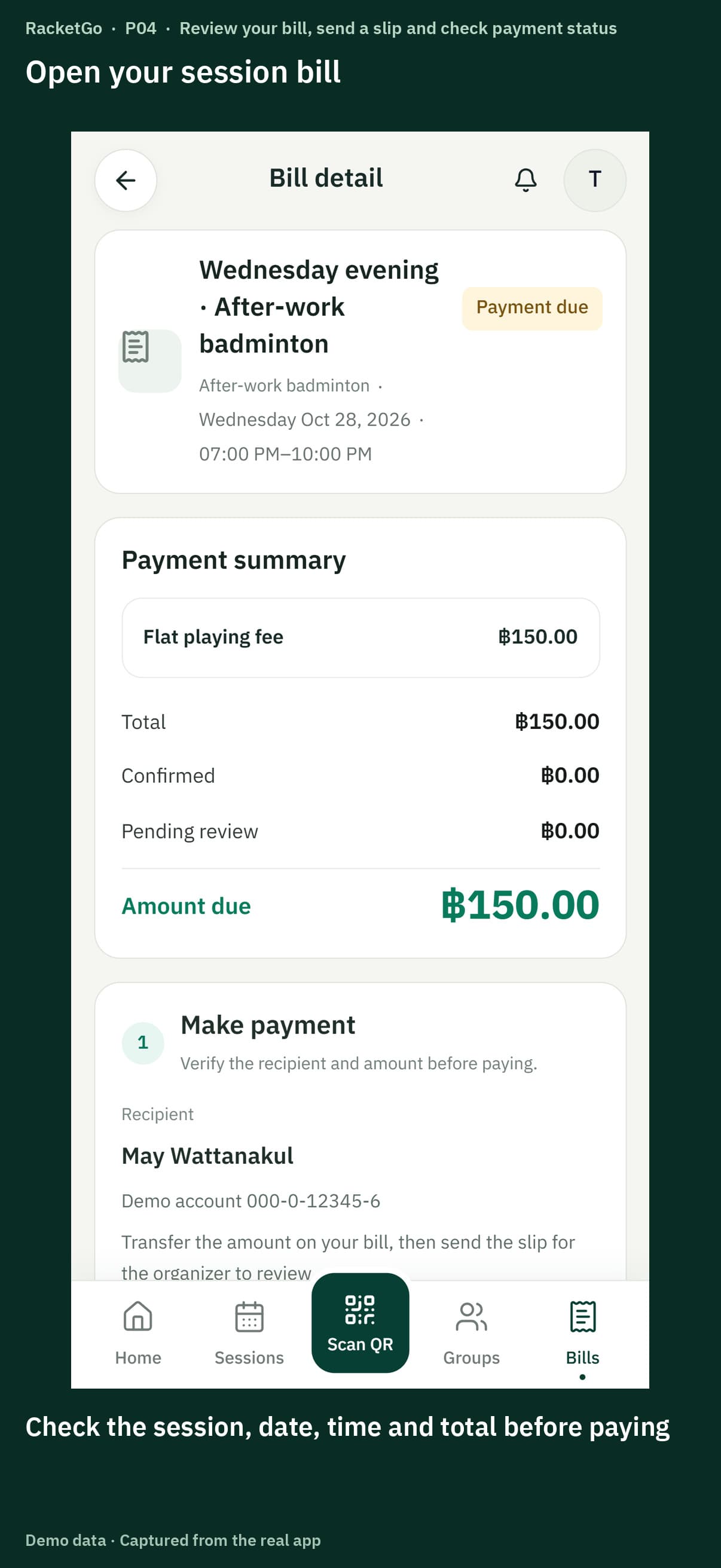
0:45Review your bill, submit payment proof and check the organizer's payment confirmation.
 0:50
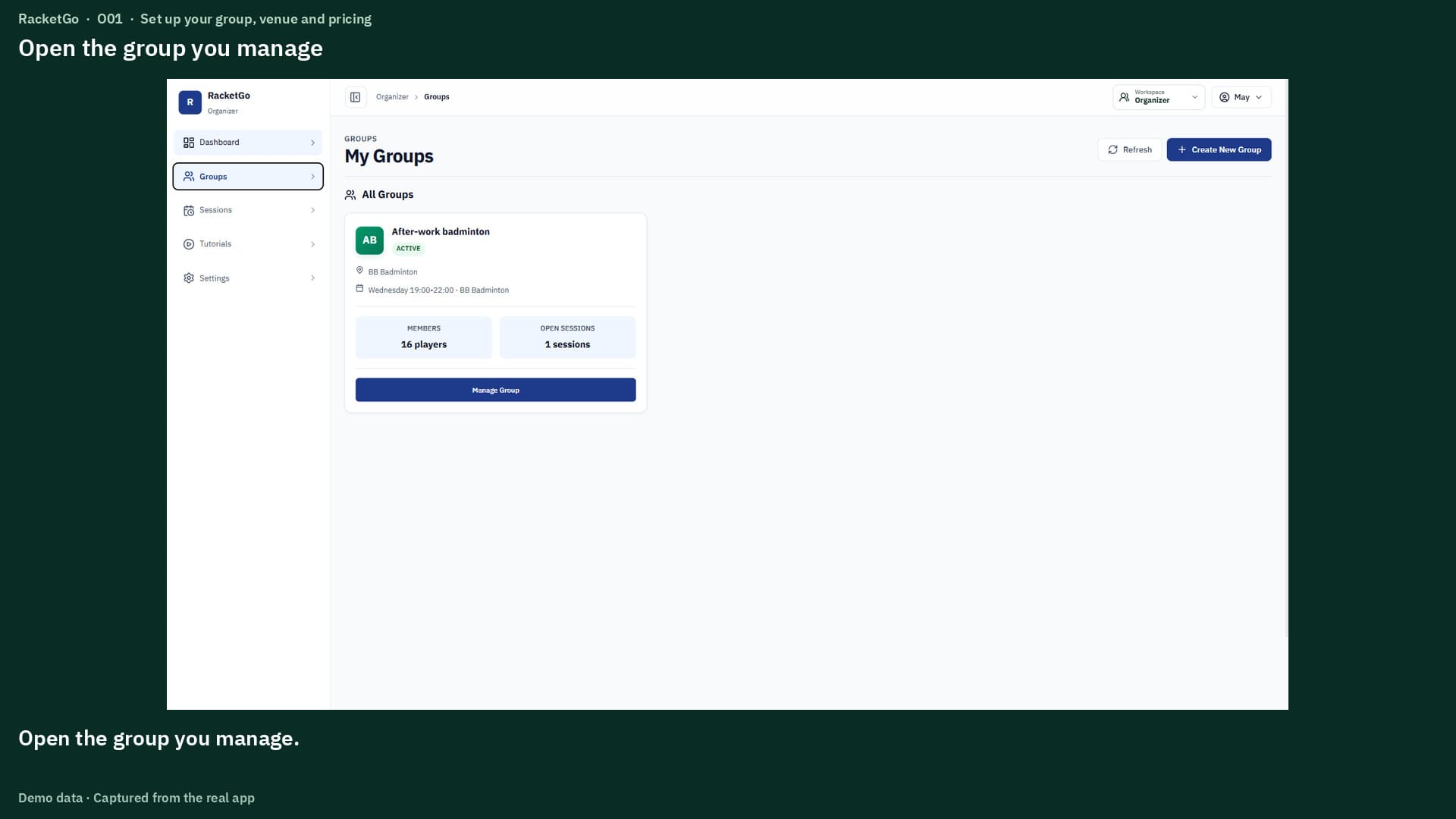
0:50Set your group's regular venue, members and fees before opening a session.
 0:59
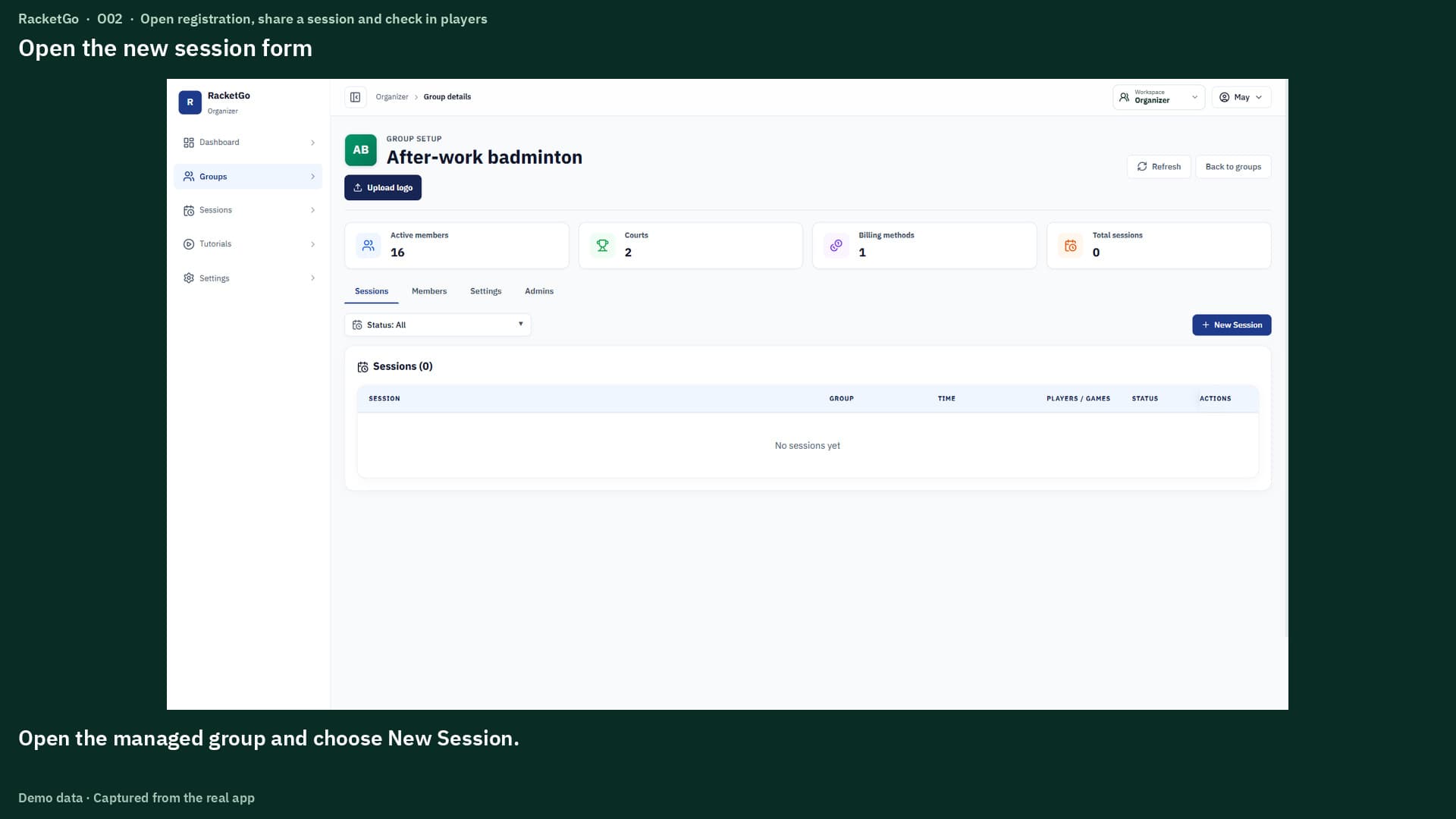
0:59Set the session details, share registration and check in players at the venue.
 0:44
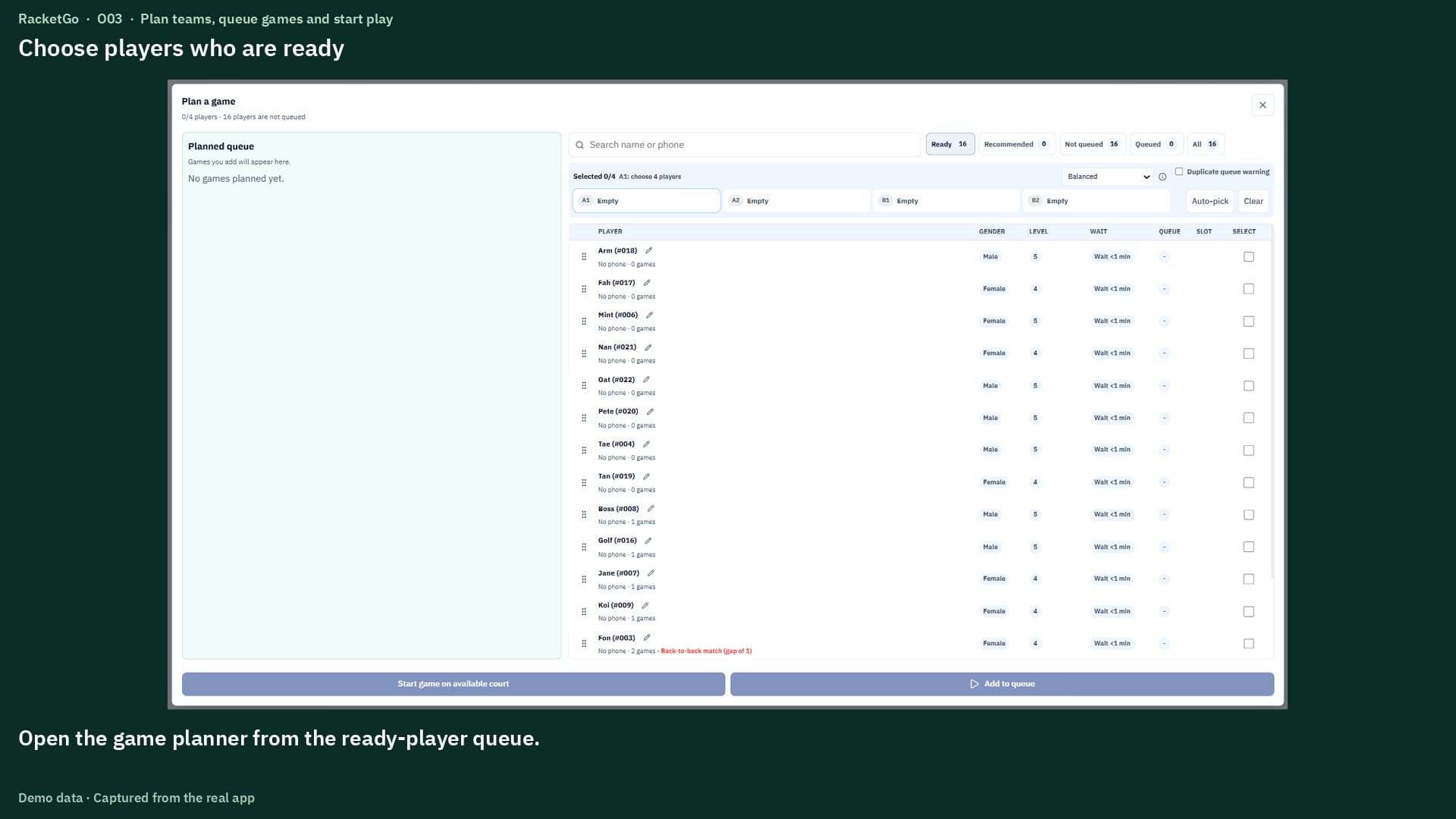
0:44Choose ready players, arrange teams and start queued games on an available court.
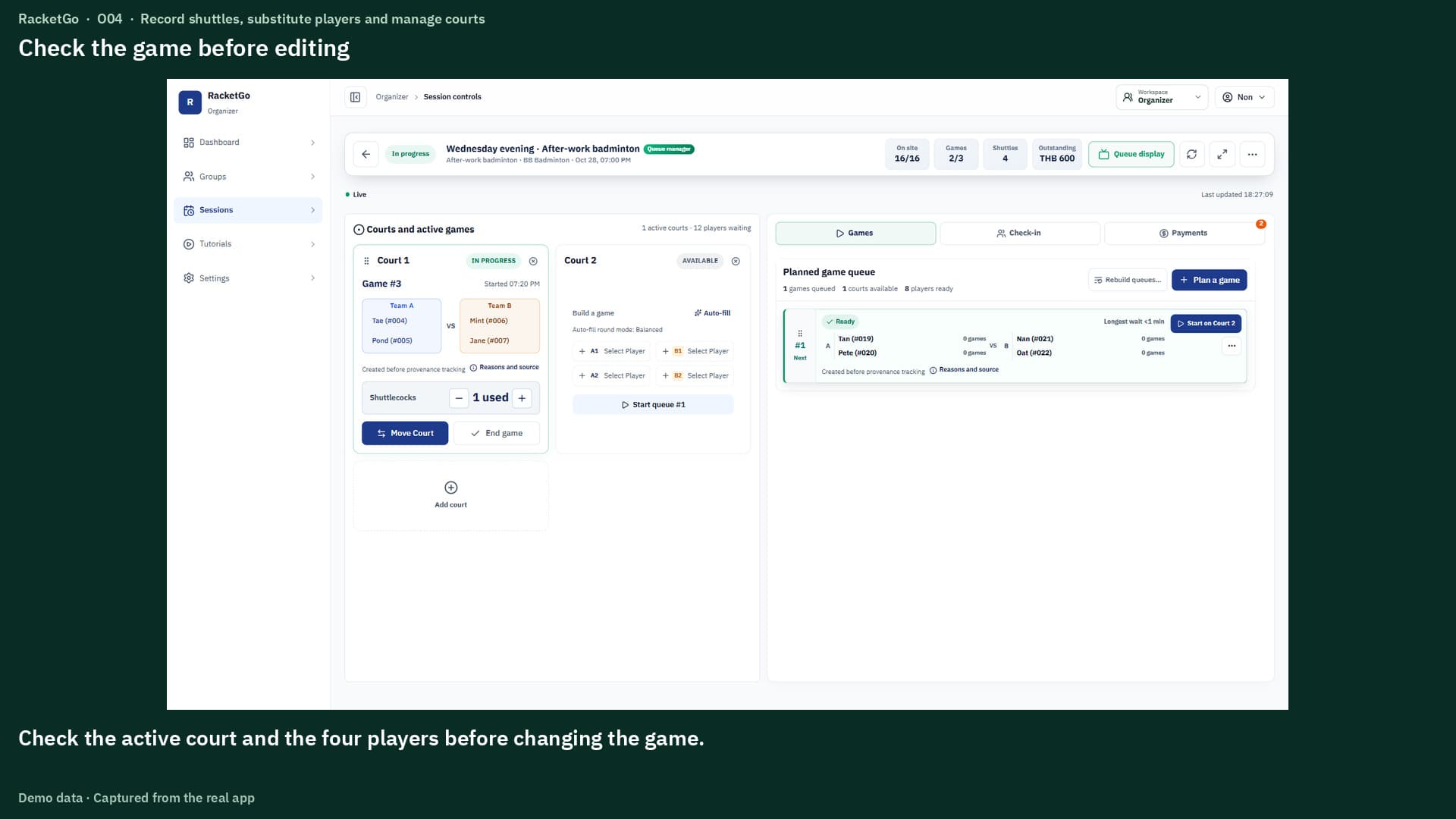 1:00
1:00Record shuttle use, substitute players, move courts and end games.
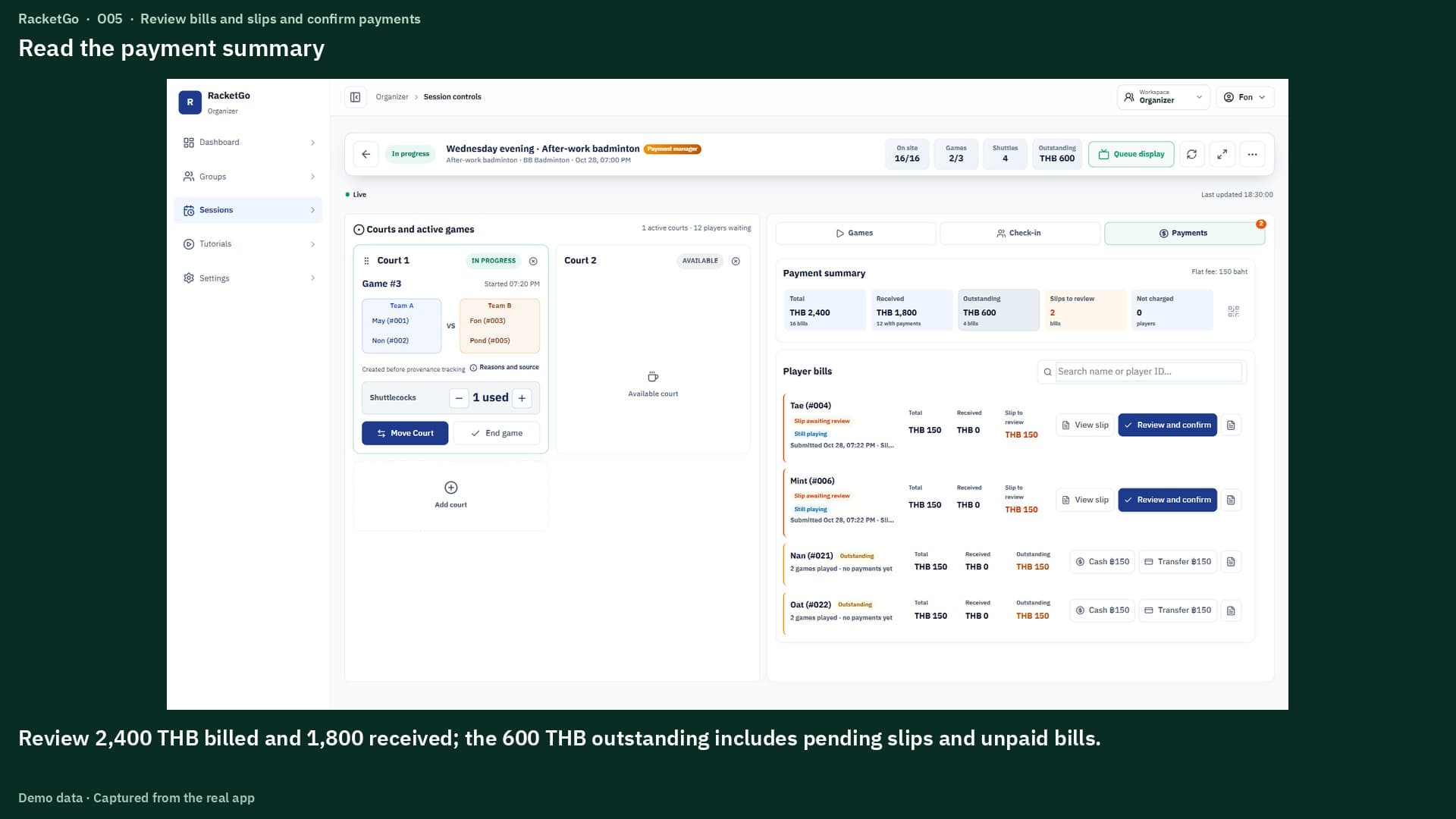 0:52
0:52Review bills and payment proof before recording confirmed payments.
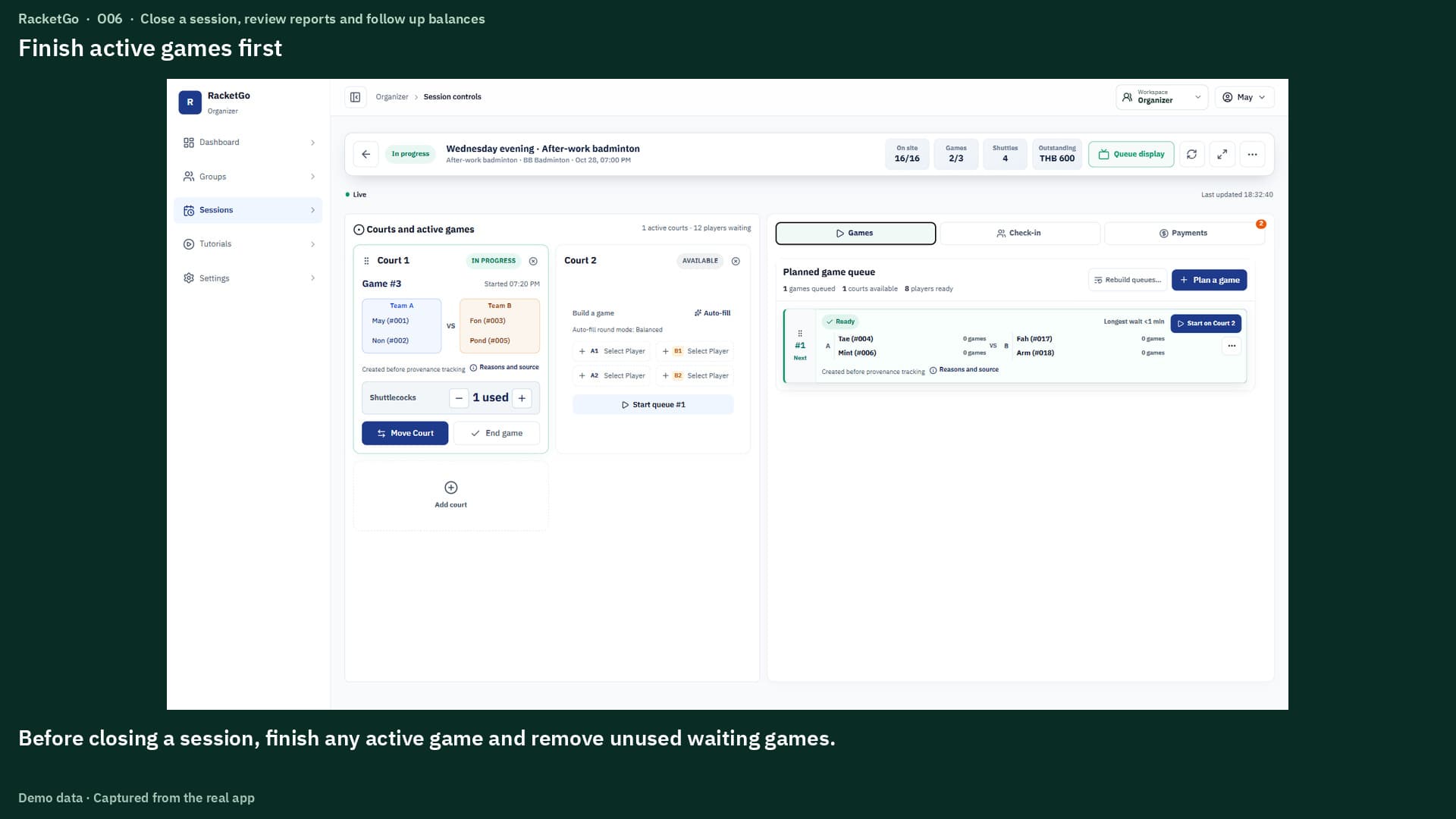 0:51
0:51End active games, close the session and review outstanding payments.
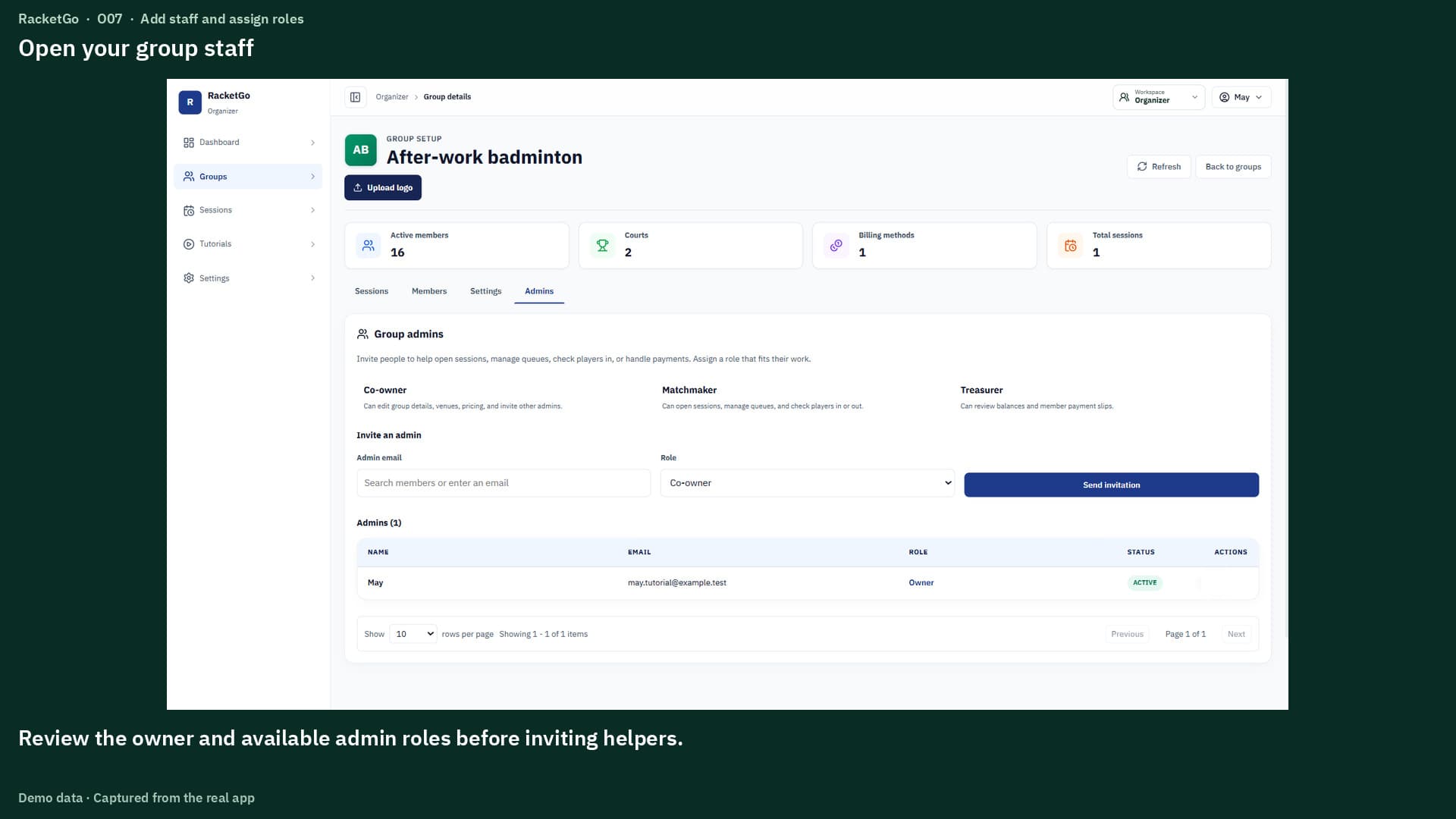 0:48
0:48Choose a role for each helper and review the actions they can use.
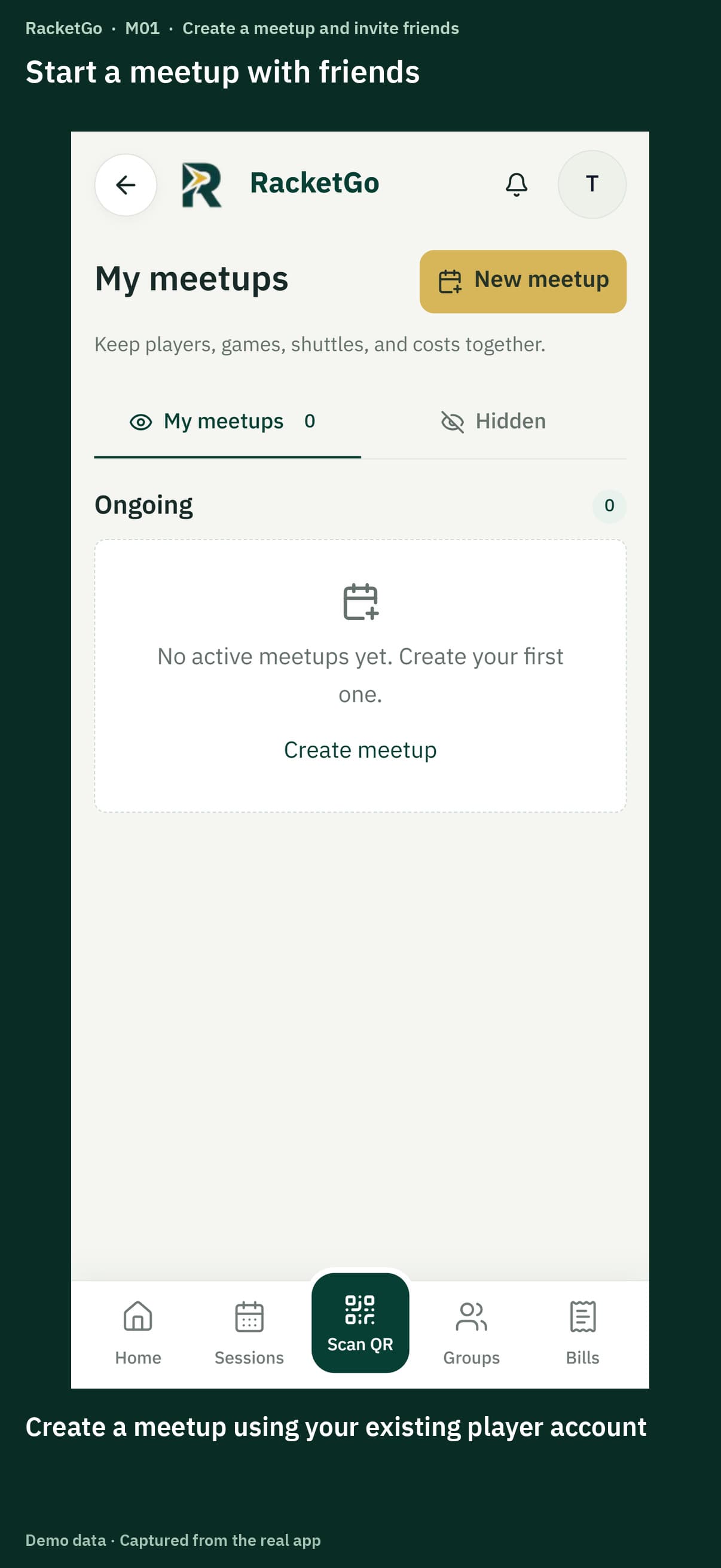 0:50
0:50Set the time, venue, courts and fees, then invite friends with a link.
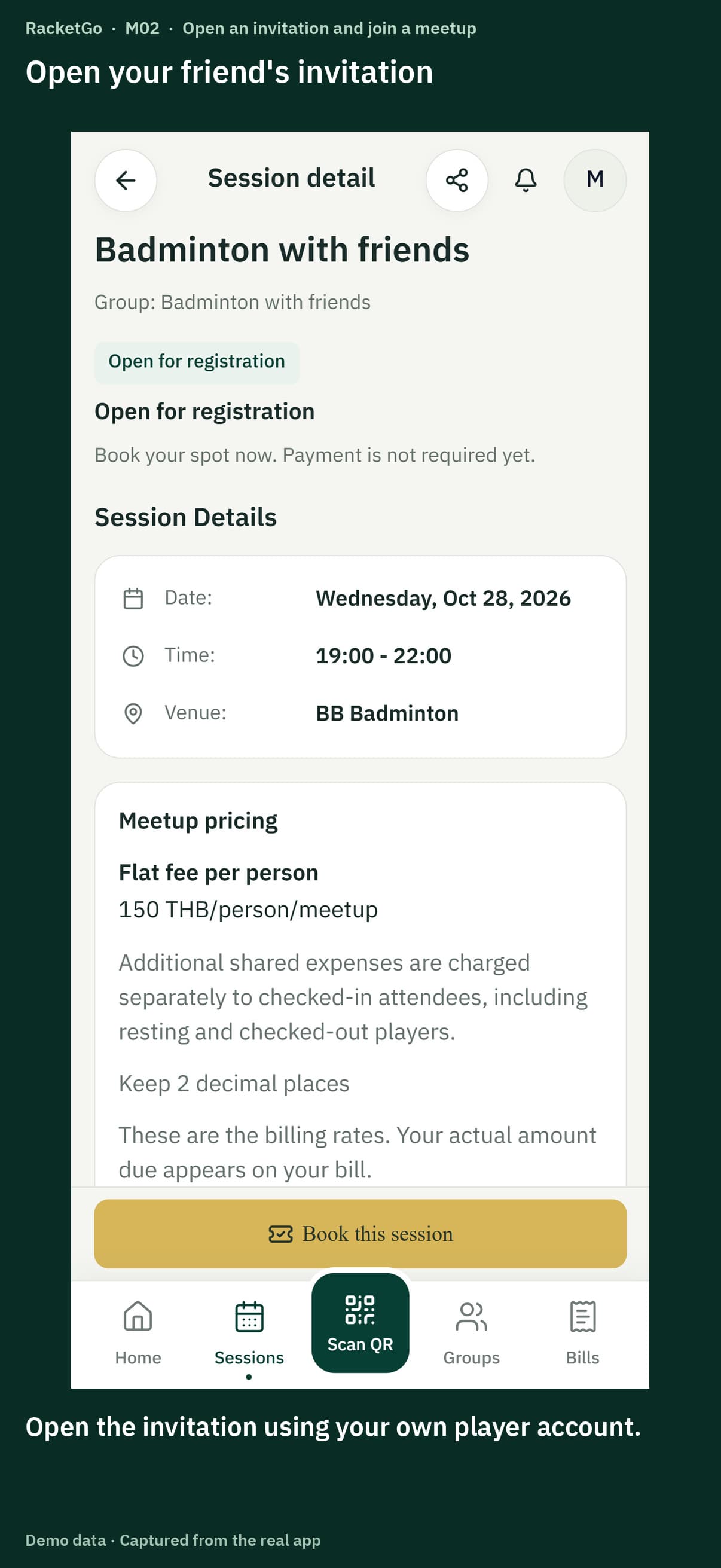 0:44
0:44Review your friend's invitation and fees, then book and check your status.
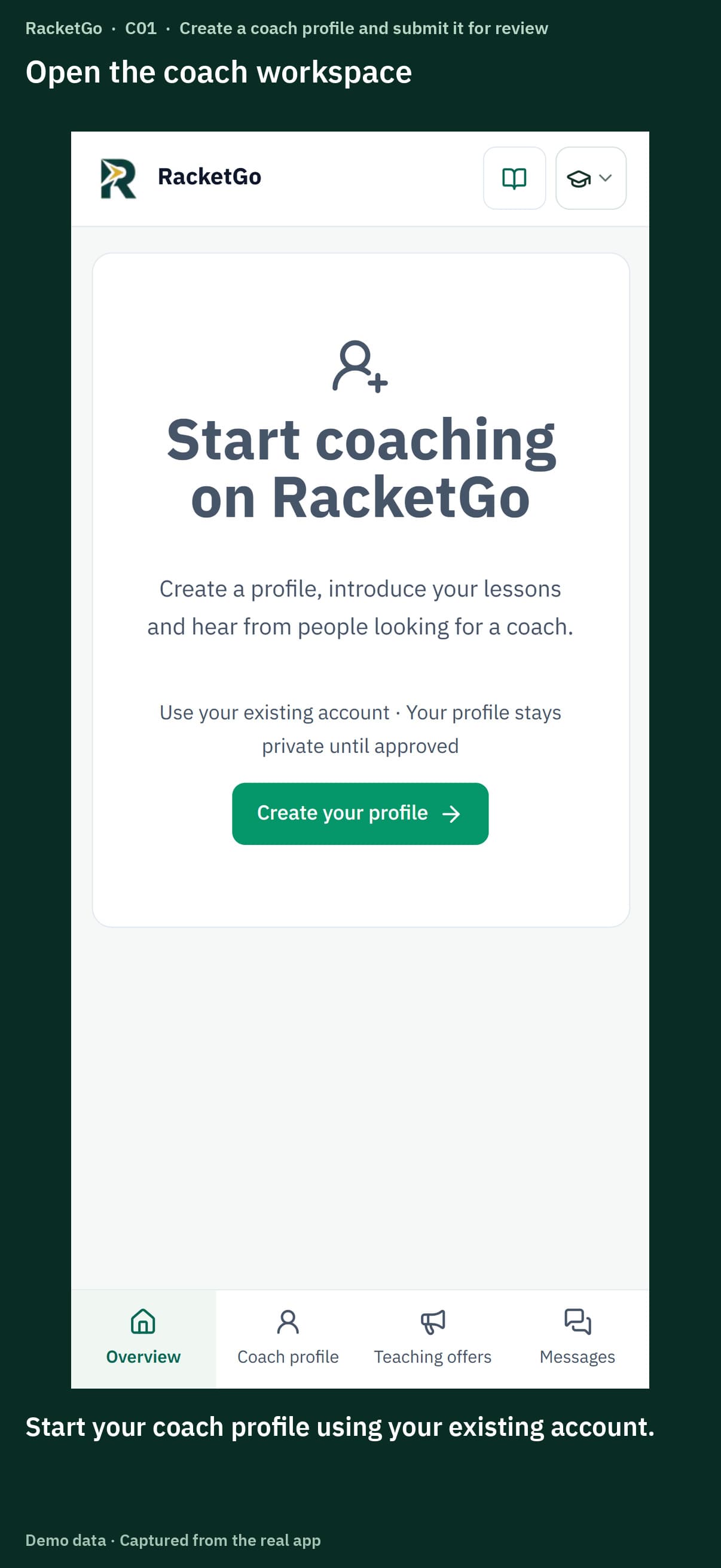 0:49
0:49Add your teaching details and photos, then submit the profile for review.
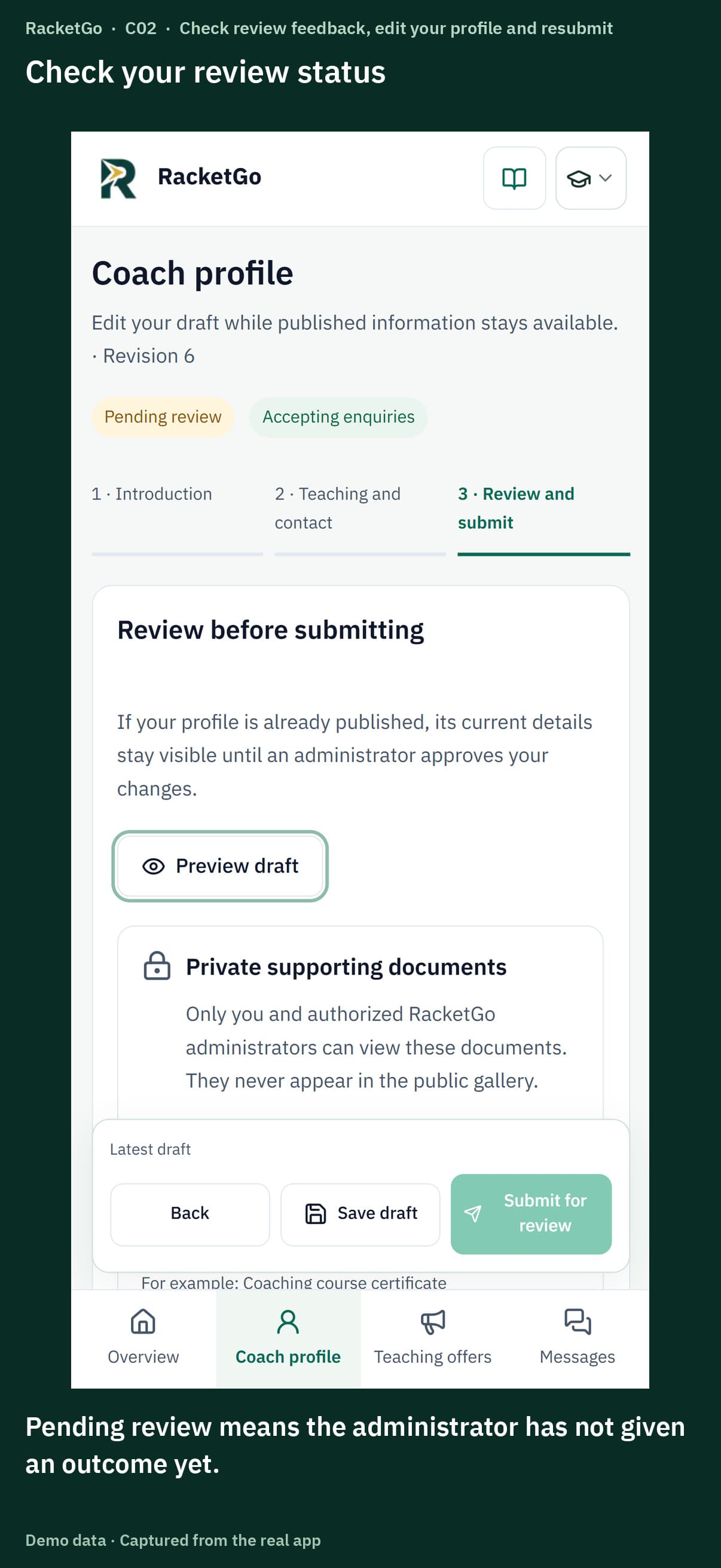 0:47
0:47Read review feedback, edit and resubmit your draft, and check the published profile.
 0:47
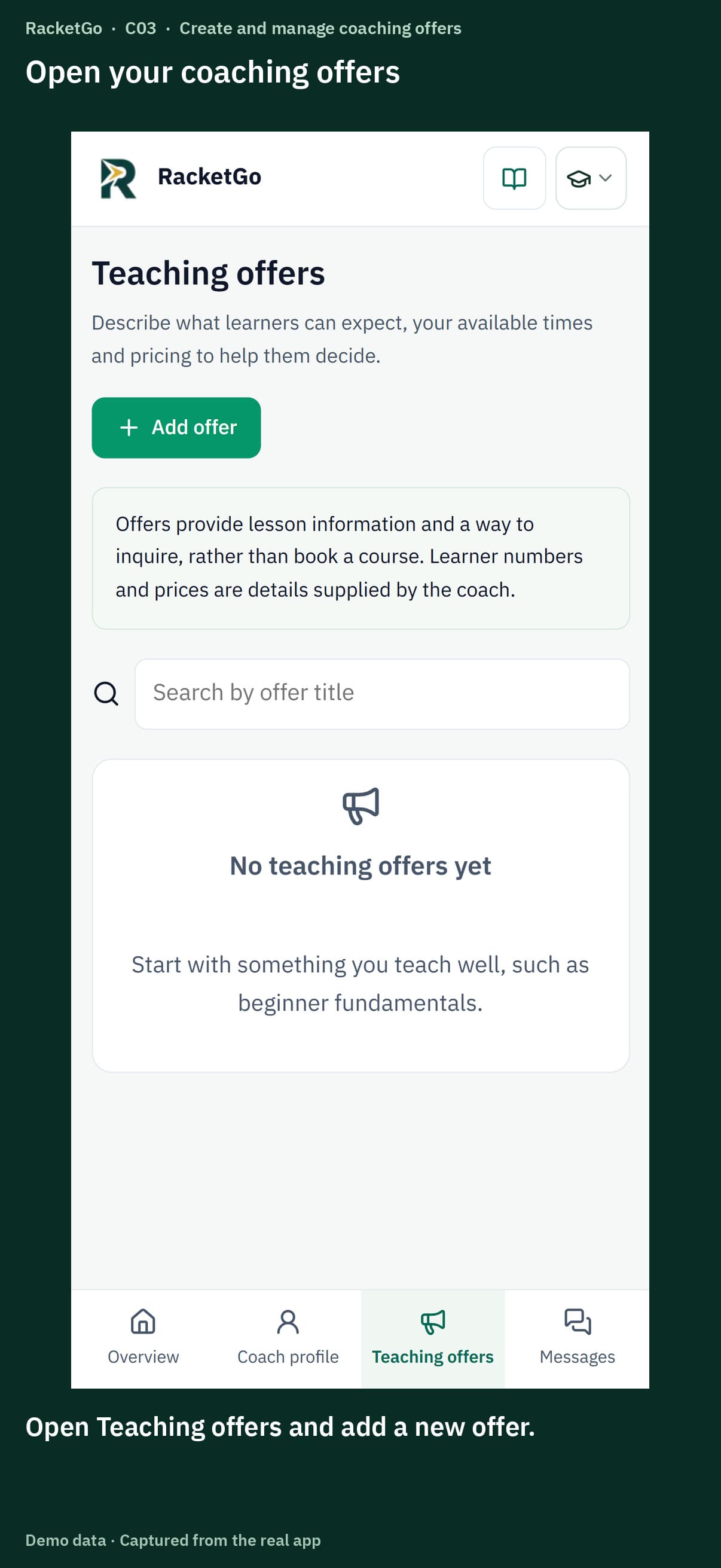
0:47Set lesson details and prices, submit your offer for review and manage contact availability.
 0:47
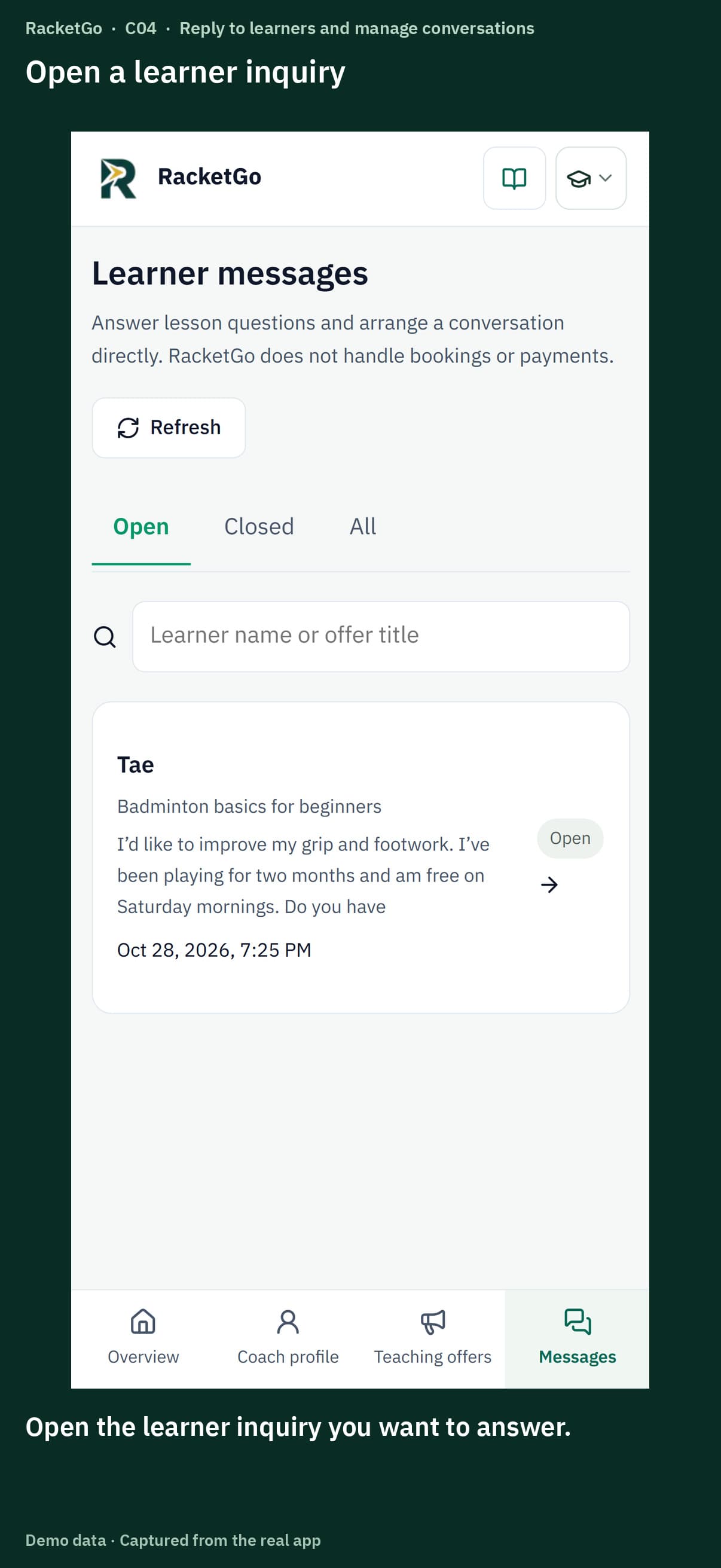
0:47Read learner goals, reply to questions and manage open and closed conversations.
Start with the guides above. Older videos remain available for reference and may show earlier screens.